Monday, July 30, 2012

Ireland, Pottery the iPhone and a new App ~ Glaze

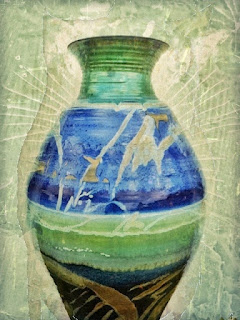
Image 1: Original Image Capture: Camera+
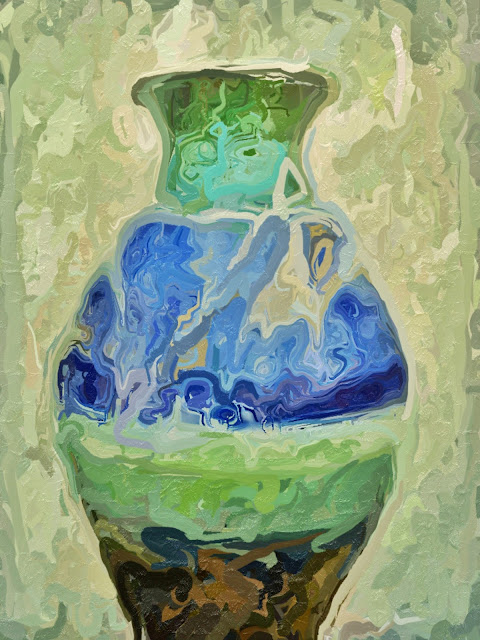
Image 2: Processed in SnapSeed for textures and grunge effect, then Processed in Modern Grunge for the 'ripped" area and more texture.

One of the stops we made on the Peter Cox Photography Tour of  "wild" Ireland, was at the Louis Mulcahy Pottery Craftsman shop. Louis Mulcahy designs and makes his own pottery in this workshop on the R559 road to the west of Ballyferriter. This isolated pottery studio stands between the R559 and a minor road just inside the southern edge of this square.
I had been thinking about making a blog post on a few shots I made there with the iPhone when I became aware, as a result of a post by Donnie Fulks, of a new to me app called "Glaze."  It is not a high res app but can be great for blending back with other files in Image Blender where if you choose the highest res file first for the blend the resulting file will be that size. So essentially the file gets upsized by making the blend in Image Blender. I made a shot of one of the large urns in front of the shop and I thought it would be perfect to work with. The shots below were processed in Glaze from the Image 2 file above, that I had already processed in SnapSeed and Modern Grunge. Glaze can be found in the app store.
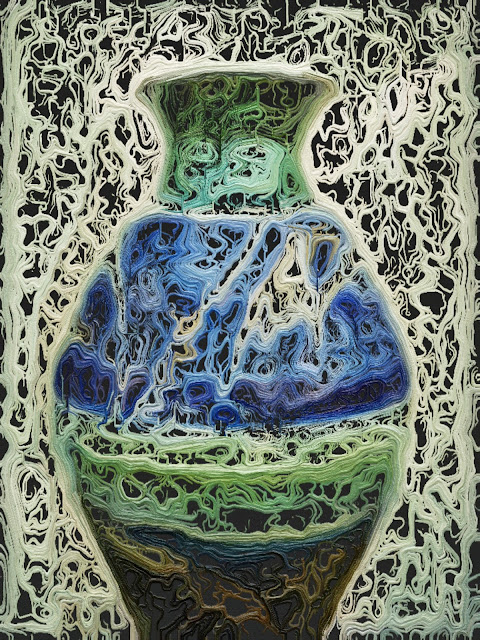
Image 3: Filtered with app "Glaze"
Image 4: Filtered with app "Glaze"  
Image 5: Filtered with app "Glaze"
This app has 30 filter presets, which all look very nice, and a randomize feature where you roll the dice and see what happens. Resolution options are Low 382 x 512, Regular 764 x 1024 and Print 1528 x 2048.  The app also has a feature where you can combine filters within the app. This app is quickly becoming one of my favorites for its artistic looks and blend options.
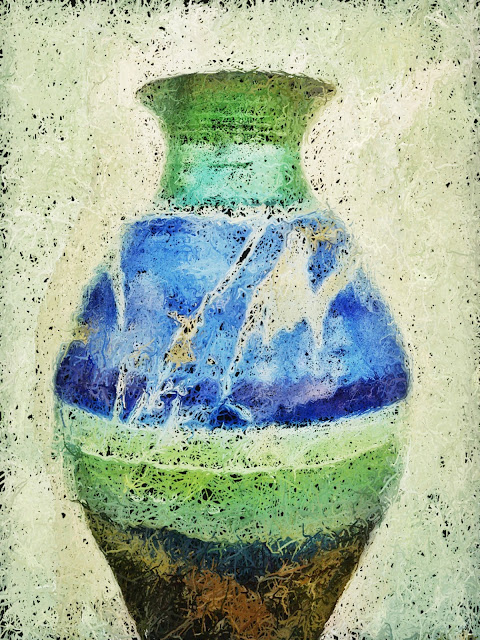
Image 6: Filtered with app "Glaze"
I am also excited to announce my iPhone Photography Course at Johns Hopkins University in Baltimore this fall. 
For more information and registration: click here.


Saturday, July 28, 2012

Voice Dream Reader App For iOS


Voice Dream Reader is a text-to-speech app for people with reading disabilities or people who just prefer to listen to text. The app costs $4.99 in the App Store. Click here to download the app. Voice Dream Reader can extract text from ePub, PDF, Word, Pages, Keynote and web pages and then read them aloud using text-to-speech with synchronized highlighting. Watch the above video to learn more. Voice Dream Reader comes pre-loaded with the Heather voice, but additional voices can be purchased for $0.99. One downside is that all text formatting and all images are extracted and not visible.

While reading a document you can change the speech rate, text size and background color. While reading a document it is easy to skip around in the text and look up words. The app cannot read the definitions so you will need to turn on VoiceOver. It is unfortunate that the app does not read the definition because some people may not be familiar with VoiceOver. Voice Dream Reader can be synced with a number of cloud services including Dropbox to get documents into the app.
In all Voice Dream Reader is a solid app. For some, the built in Speak Selection feature may be good enough. With iOS 6 coming in the fall, Speak Selection will have syncronized highlighting which will make some features of Voice Dream Reader obsolete. If you want the ability to create playlists or read with multiple voices this app is for you.
Click read more below to view screenshots of Voice Dream Reader in action.


Wednesday, July 25, 2012

Apple Releases OS X Mountain Lion With New Accessibility Features


Apple's Mac operating system has been updated. The new update is called OS X Mountain Lion. The new operating system includes over 200 new features including a number of accessibility enhancements. One feature called Dictation allow users to speak their text input instead of typing. Mountain Lion also includes better syncing with iOS devices. OS X Mountain Lion also includes enhancements to VoiceOver. To view a detailed list of all new accessibility in Mountain Lion click here. Apple's website says the following about about OS X accessibility,

"Every Mac comes standard with a wide range of assistive technologies that help people with disabilities enjoy the power and simplicity of the Mac. We call this Universal Access, and it includes many features you won’t find in other operating systems at any price. In OS X, they’re built right in."
To view a detailed list of OS X accessibility features click here. OS X Mountain Lion is available for download from the Mac App Store for $19.99. Click here to download Mountain Lion. Click read more below to view images of Mountain Lion.