|
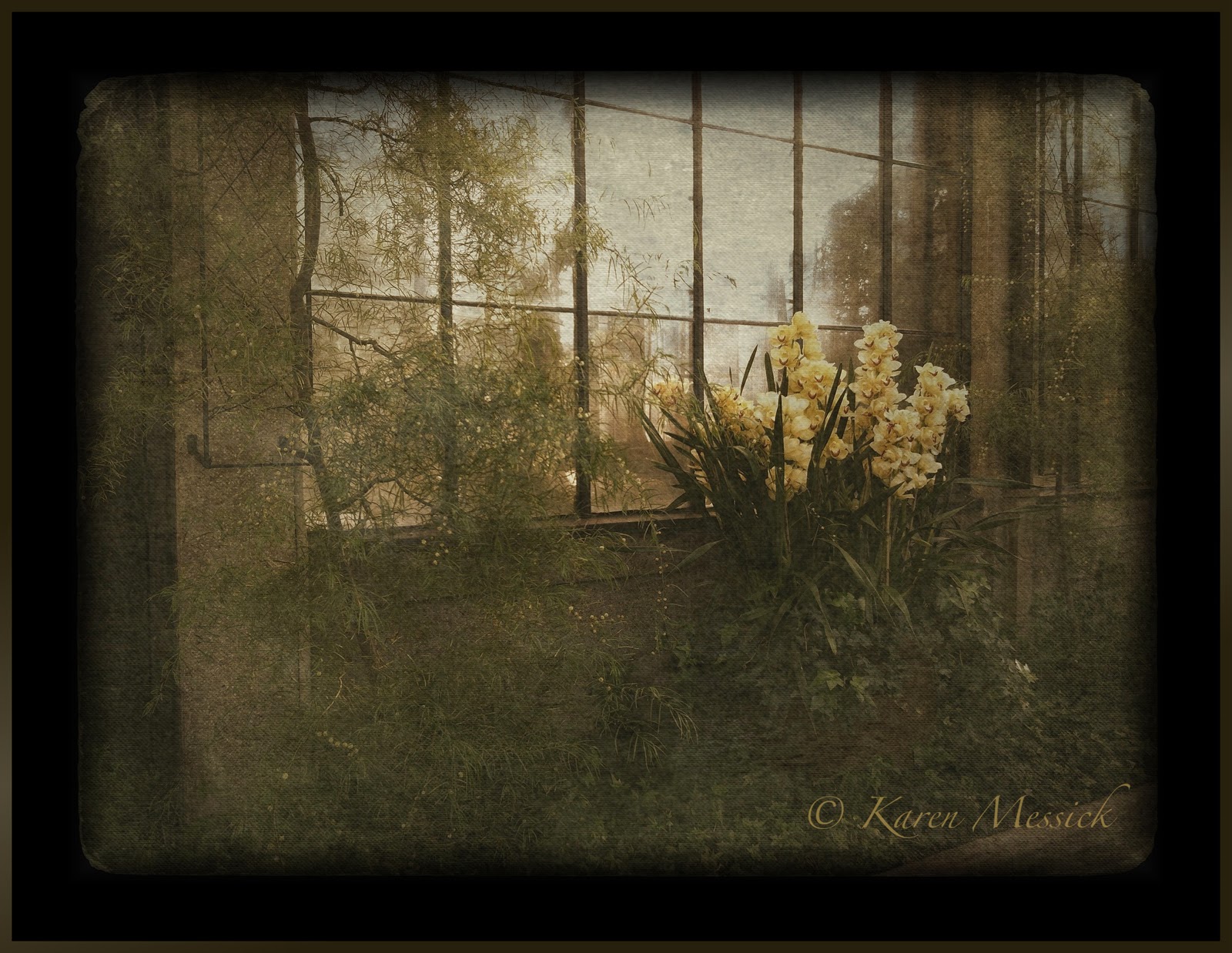
| Image Capture: Hipstamatic Oggle Processing: Pro HDR, Glaze, Leonardo, ImageBlender |
When the folks at Hipstamatic launched
Hipstamatic Oggl in May of this year, I passed it by; thinking, Why would I want to pay for a subscription on an iPhone app? (It is only $9.99 a year) But now it has been through several version updates, with the most recent one on October 17 and it is packed with goodies! You can import all your existing Lenses and Films from Hipstamatic Classic, you can control exposure, you can swap filters, you can share with the Oggl community, you can import images from your camera roll and apply Hipstamatic filters and now you can create a High Dynamic Range (HDR) Hipsta image with a little creativity and a tripod mount. (If you are a classic Hipsta shooter, how many times did you wish for control over exposure? Well Oggl delivers it now.) As far as a tripod mount:
Kirk makes a cool tripod mount that fits its regular tripod plate here is a link for it: Click here: but there are others, its just really important to keep the iPhone still and in the same position when making the two bracketed images.
Here is how I created a Hipstamatic Oggl HDR image...I was playing with Oggl, with my iPhone mounted on my tripod at Longwood Gardens on Saturday. It was a bright, windy, sunny, contrasty but beautiful fall day. I wanted to capture the sky and shady areas in the landscape. So, I thought, now that you can choose an exposure point in Hipstamatic Oggl, I did and made an exposure for the sky, which of course threw the ground and shady areas into almost complete darkness. Then I made an exposure for the ground and shady areas which blew out the sky! Perfect! Now I had the two Hipstamatic images I wanted to blend together in Pro HDR by eyeApps LLC (ProHDR has not done an update for iOs7 but seems to work fine)...It worked!!! here's the proof! So now I would recommend purchasing Hipstamatic Oggl! Its Hipsta Classic on Steroids!
Here are the files I used to achieve the opening image. For both sets of image files I used Ina's 1969 film and the Jane lens.
 |
| Exposure made on tripod and created to capture details in the shady area, which blew out the sky. |
 |
| Exposure made on tripod and created to capture the sky color, which threw the areas in the shade into darkness. |
 |
| Combined image in Pro HDR |
So because I could I made another image in the same way. Here is the finished "Glazed" image and the shots I used to get to the final image.
 |
| Captured for detail in the shady areas, sky blows out. |
 |
| Captured for the color of the sky, shady areas go almost black. | | |
|
 |
| Combined previous two images in Pro HDR |
 |
| Processed in Glaze and enhanced in Leonardo for final image. |