Saturday, February 9, 2013

Bookshare Releases Web Reader


Bookshare's new web reader allows members to read through a browser and eliminates the need to download books. The web reader also allows members to read any of Bookshare's 177,000 books on a library or school computer without having special software installed.

Bookshare is a free accessible ebook library for people with print disabilities. To learn if you qualify and how to join click here. Once you're signed in with your Bookshare account you can access the web reader via your bookshelf or the search page. When you search for a book you can click on the "read now" link to open the book in the web reader or you can add it to your bookshelf. From the bookshelf you can click the "read now" link as well. The web reader offers features such as text-to-speech with highlighting, nighttime reading mode, adjustable text-to-speech speed, table of contents, and go-to-page options. Bookshare recommends sighted members use the Google Chrome browser for improved text-to-speech and visually impaired members use Internet Explorer, Safari, or Firefox for improved screen reader usability.

Click read more below to view screenshots of the web reader in action.


Deco Sketch: Photo Artista Haiku, Glaze and Snapseed

Last night I was goofing around with some apps and a few images, and cooked up a new look.
For those of you who like to draw, or paint and maybe not so much photograph this is a fun process....
Deco Sketch -Photo Effects is now a full resolution app that you can process your images with as a staring point or you can draw your own using an array of cool linear effects with lots of adjustment possibilities. So I began to play with it and a few other apps and cooked up an app combo I liked to create these abstractions. Deco Sketch has been out for a year but just went full res this February.
I used this 6x6 captured image as a base image for both iterations here.
The image above is the image I used as a base image. I opened it in Deco Sketch and began to goof off with different shapes and colors and linear effects, reduced the background image opacity and landed on the image below....less I get carried away! ;)
Drawings made over original image in Deco Sketch, with photo opacity reduced as the background.
I then took the Deco Sketch result image and opened it with Photo Artista Haiku. I landed on the image below. I also saved the Photo Artista Haiku settings as a Preset in the app so I could easily repeat the look.
Artists Haiku Version
Then I took the Photo Artista Haiku image and ran it into Glaze this is where it gets a little random. Tabbing through the Glaze presets I saved a few I liked, then began using the cool tool feature in Glaze to get a unique look. The colors in these images remind me of a spring garden impression.
Final image rendered in Glaze and adjusted in Snapseed for saturation, contrast and sharpening.
The opening image went through the same process only began with the drawing below in Deco Sketch. Too much iPhone fun!!! These could make some really beautiful prints on exhibition paper.
Heading to the National Gallery of Art tomorrow with a full class of iPhone students. Should be fun! My next iPhone class with Capital Photography Center is March 3 in Baltimore and is filling fast. Or join me for a full day of iPhone fun on March 8 in Gaithersburg for an all day class working with apps.
In this drawing I let more of the background image come through as you can see in the red and white strawberries in the top portion of this image.
Final image rendered in Glaze.


Friday, February 8, 2013

Tangled fx: Photo fx

Tangled FX, Photo fx, ImageBlender and Lens Light for stars.
Often, when teaching, I get asked, How do you find the apps you use? Well, I will admit keeping up with all the new photo apps being released is nigh impossible for me, I just have way too  much to do: but there are a few folks in the Blog'o'sphere that do because it's what they do! So every once in a while I drop in to see what Marti Yawnik is up to on Life in Lofi, or Geri Centonze at iARTCHRONiCLEs or Joanne Carter of The App Whisperer and catch up on what they are doing and writing about. Belonging to a group of photographers who share app info and new releases is also a way to find new and interesting apps.
I digest and sort through the information then pick and choose the apps I like; then go shopping in the app store. I am not on the freebie list so I purchase apps when I like what I see. I always read the app info in the app store before I spend those hard earned pennies. ;)

Tangled FX is one that caught my eye for its full resolution and interesting filter effects. It is the iPhone's answer to the software company RedfieldPlugins, Fractalius.

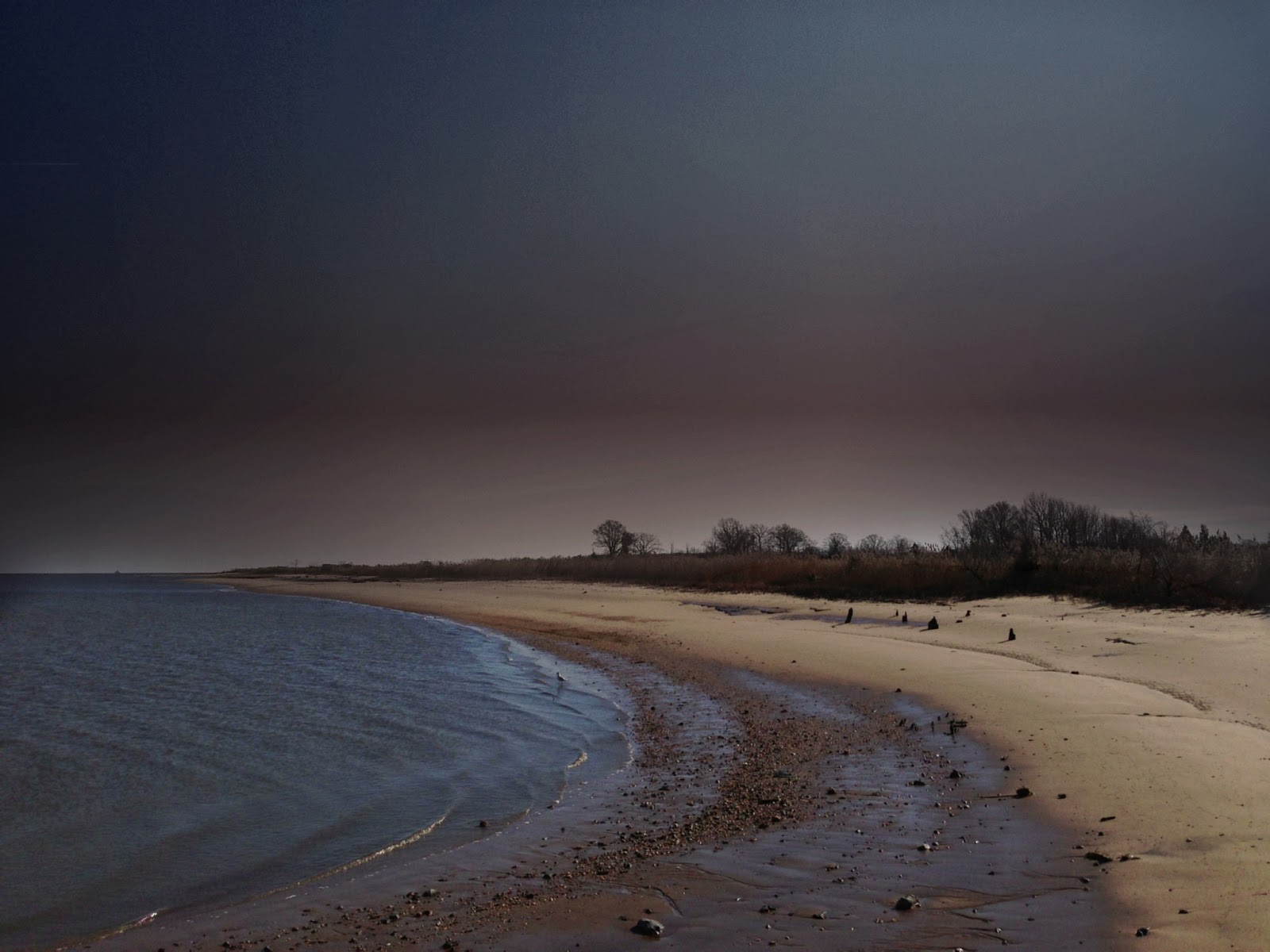
Over the last several weeks I have been working on my on-line "Intro to iPhone Photography" course for Johns Hopkins Odyssey Program and was working on the image below, demonstrating in a tutorial how to use the gradients in Photo fx by Tiffen, a very robust iPhone app with custom color and size gradients, diffusion filters and much more. Then Tangled FX came along  a couple days ago and I ran the gradient colored image I was working with through the app and enjoyed the result after making a few custom tweaks, in the opening image.
Gradient colored and applied to the sky with Photo fx

Original capture